
Business Spotlight – Crystal IT Integrated Solutions

This week we’d like to highlight one of our loyal clients Crystal IT integrated solutions by sharing with you their experience in using the ServiceM8 App. Crystal IT Solutions is an IT service provider who aims to be the best supplier of I.T. services to small and medium size companies in Australia, by maintaining a highly personalised service, and ensuring attention
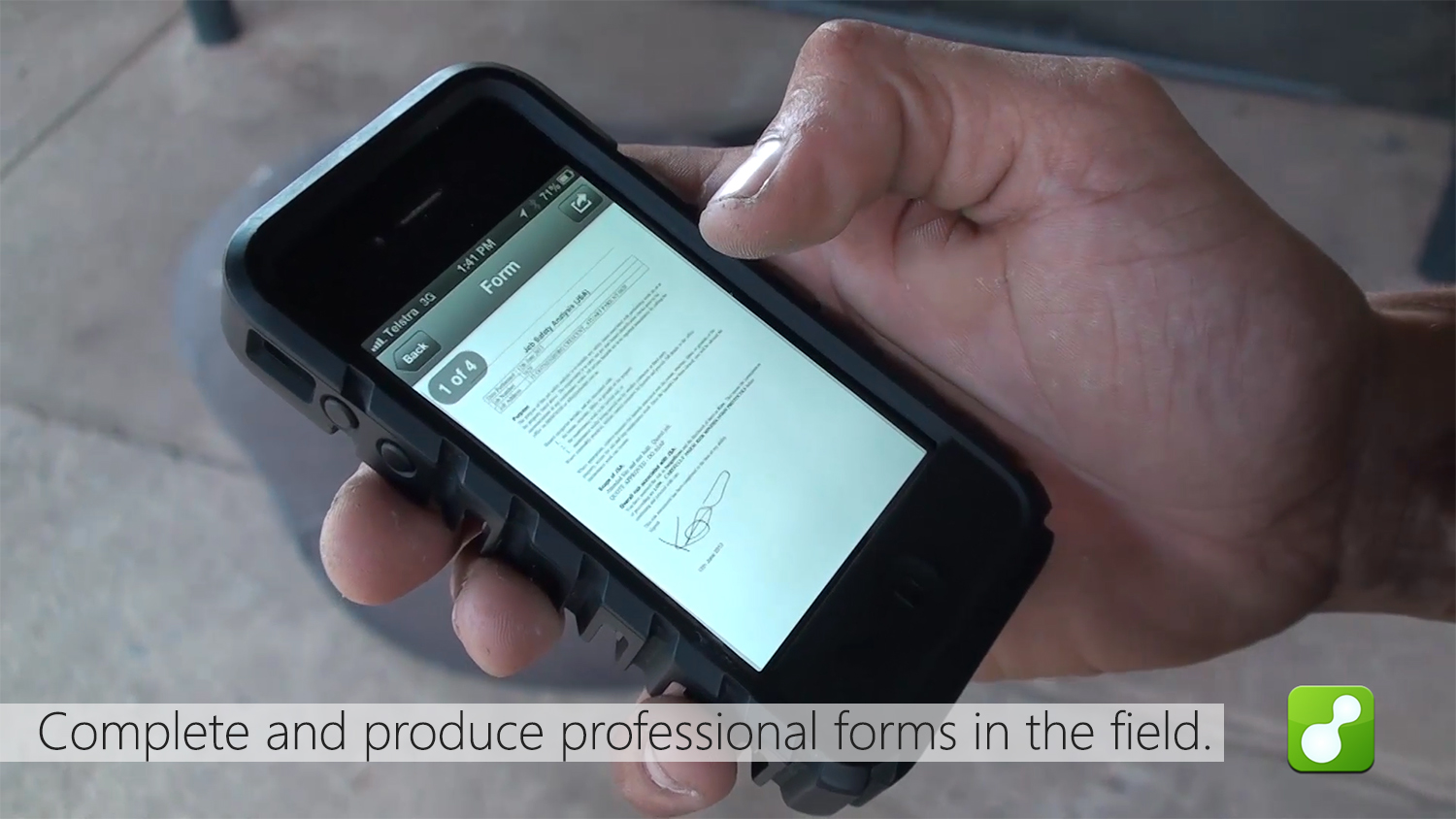
Compliance forms? We’re the App for that.

It seems there is an App that streamlines everything these days, so why should your electrical, snow plowing, IT, or pool cleaning business be any different? At ServiceM8 one of our goals is to make running your business simpler and more effective. We’ve given you templates for professional work documents; we’ve provided an easy sync

Vote for ServiceM8 in the Mobies!

ServiceM8 has been shortlisted in two categories in the 2013 Australian Mobile awards. The competition receives entrants from around the world and recognizes excellence in mobile development and design. So if you could take a minute to vote for us we would really appreciate it! Simply click here, click ‘register to vote’ and set an

Why clever small businesses are adopting smartphone cameras

Smartphones, their cameras and clever phone apps are propelling small business owners into a new world of opportunity, challenge and change. Smartphone cameras are fast becoming a must have tool for small business. Especially when linked to field service apps. These cameras are providing invaluable proof of service evidence as well as supporting field diagnostics

Introducing Job Templates

Save time for jobs that you do frequently by setting up job templates. Preset everything about your job from description, diary notes and attachments, items/services and pricing. Great for making sure your job checklists / job forms are done correctly every job. Job templates can be activated from the ServiceM8 addons section.

What we’ve learnt about winning jobs

The following are simple tips that, when applied, should increase your quote winning ratio. Make it look professional Your quote is the first example of your quality of work. If you have a professional looking quote, you will win more work even if you’re more expensive. Quote fast Your chances of winning work are exponentially

Introducing Photo Tagging

Once you’ve updated to the latest ServiceM8 app, you can now tag photos. Tags are short text phrases that can be anything from ‘Before job’ or ‘After job’, to a site reference, where the photo was taken. As always, tags will be stored with photos in the job diary for future reference.

SMS Invoicing

How often have you had a mobile number but no email address for a client? Or how often have you taken down an email incorrectly and spent time calling the client to get their email so you can invoice them. With SMS invoicing that’s a thing of the past, now you can easily send invoices

New Report: Activity Timesheet

This new timesheet report gives you clear insight into a staff members activity between a given period, including a breakdown of the jobs a staff member was checked into or scheduled for, lunchbreaks and clock on/off times. Find it under the reports menu in your account.

Introducing Xero

Xero is easy to use online accounting software that’s designed specifically for small businesses. • It’s all online, so you can work when and where you want to. Just login with your PC, Mac or mobile. • Your bank statements are automatically imported and categorized, letting you see your cashflow in real-time. • Invite your

Introducing The ServiceM8 Inbox

This month we’re excited to introduce the ServiceM8 Inbox. Inbox is a faster way to convert emails directly into new jobs. Now you can forward job related emails directly into ServiceM8 including all attachments, If the email is from an existing client it will even automatically assign the job to them. Find the inbox on

Simple Forms

This month we’re excited to announce our latest ServiceM8 add-on – Forms. Create and complete quick question and answer forms as part of any job. Great for anything from customer approval forms to warranty receipts, vehicle maintenance checklists and even JSA’s. As always, forms will be stored in the job diary for your records. To activate forms,