Stripe users get paid faster
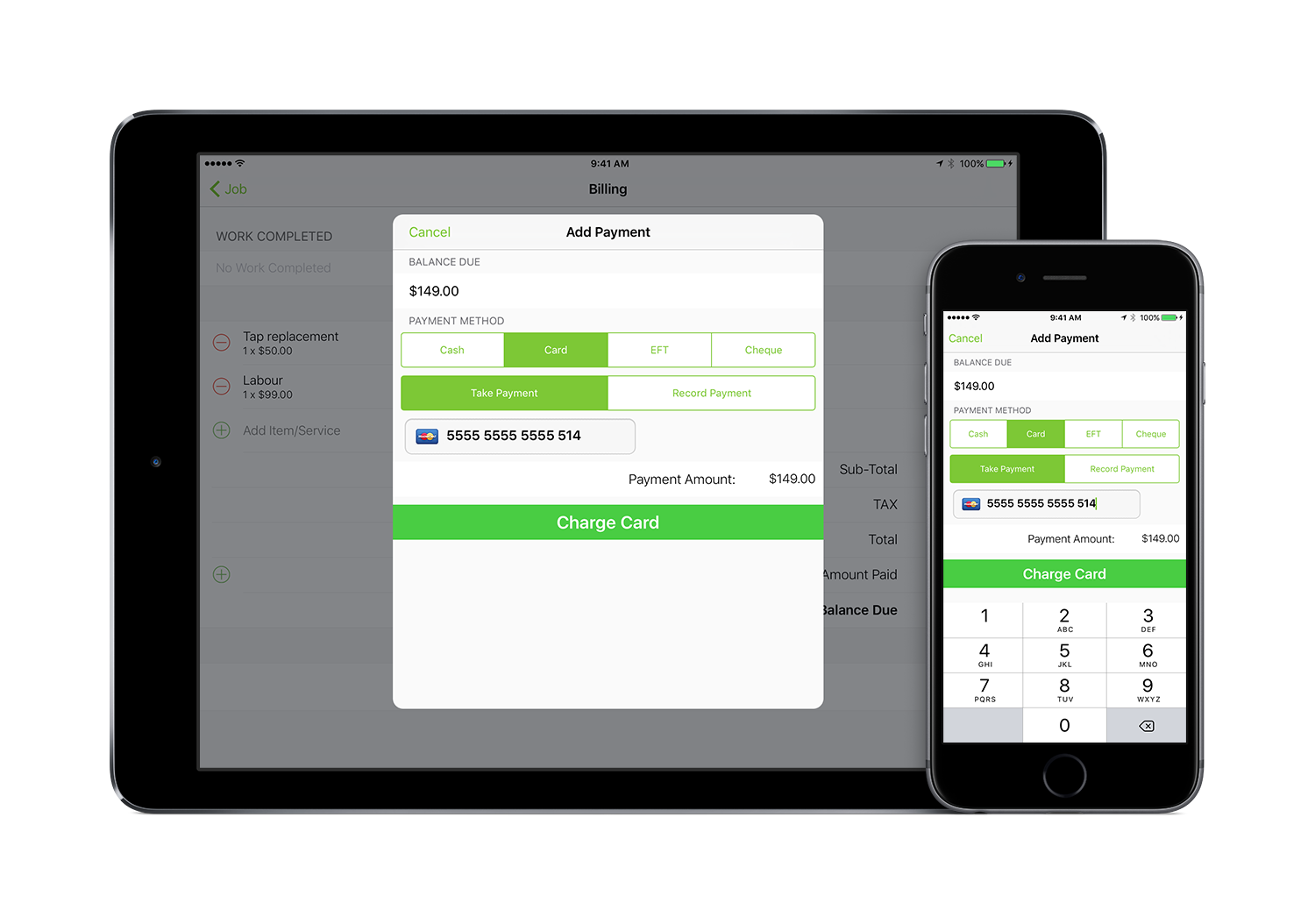
18 months ago we integrated with Stripe, giving users the ability to accept credit card payments through the ServiceM8 app or online. Now, we’ve reviewed the stats. Check out what this add-on can do to improve cash flow.

18 months ago we integrated with Stripe, giving users the ability to accept credit card payments through the ServiceM8 app or online. Now, we’ve reviewed the stats. Check out what this add-on can do to improve cash flow.

In ServiceM8 4.0 we have simplified menu structures making it much easier to navigate and find what you’re looking for. In this video we cover the basics of what has changed from ServiceM8 3.0 to help you hit the ground running.

Does your team know about the Quick Quote and Quick Invoice feature? It’s an even faster way to get quotes and invoices to clients and take payment in the field, without having to create a job and add client details.

Cashflow is the lifeblood of every small business. Small business operators need to be paid as close to the completion of a job as possible. Chasing unpaid invoices can end up costing more than a job is worth in labour. For many businesses, chasing payments is put off until cash is needed to pay bills or staff wages, as they are too snowed under with current work. Generally, the owner cries “How can we not have enough money? We’re so busy!”
One of the new features of ServiceM8 3.0 is the support of Apple Dynamic Type. What this means is when you increase the size of text for your Apple device the text size in ServiceM8 will increase too. Great if you’re having difficulty reading small or thin font without your glasses.
Only 4 nights until ServiceM8 3.0 is Available. To make your first day with the new ServiceM8 run smoothly, check out this video which covers the key changes. For the latest information follow us on Facebook.
ServiceM8 has been judged the best field service app in Australia by winning the ‘In Field Services’ category at the 2013 Australian Mobile Awards (the “Mobies”) last week. App developers, marketing gurus and IT wizards from all over Australia converged at the awards night in Sydney to celebrate creativity, courage and innovation in mobile platform
Once you’ve updated to the latest ServiceM8 app, you can now tag photos. Tags are short text phrases that can be anything from ‘Before job’ or ‘After job’, to a site reference, where the photo was taken. As always, tags will be stored with photos in the job diary for future reference.
We’ve introduced five new ServiceM8 ‘characters’ this month. Change each staff members’ icon to a unique character to personalise your dispatch board, and locate staff on the map easier. To change a staff members character: 1. Login to ServiceM8 and go to Settings 2. Go to Staff 3. Edit the staff member 4. Under options,
ServiceM8 is proud to announce the latest release of our iPhone app. The new app is blow away, you can literally manage your entire business using the app and never log into http://www.servicem8.com Completely manage your Quotes, Work Orders and Invoicing from your phone, even create new jobs while your with a client Completely manage
ServiceM8 is proud to announce support for CardDAV. CardDAV is a way of sharing your client contacts between devices, such as your iPhone with other systems, such as ServiceM8. We have made it simple to link your phone into ServiceM8 so that each Client, and Job you create in ServiceM8 is automatically added to your phone’s address book, meaning when your out on a job you always have your client contact details with you, and when your clients call you, you know who is calling – even their current job number. CardDav access to ServiceM8 is offered at no additional charge to your standard ServiceM8 fee’s.
Introducing ServiceM8 Mobile: an iPhone app to manage ServceM8 on the go With ServiceM8 Mobile you can view all vital information about your business from your iPhone or iPad. Check your job schedule, lookup client data and job locations and much more. Manage your team or let individuals manage their schedule and jobs – your