
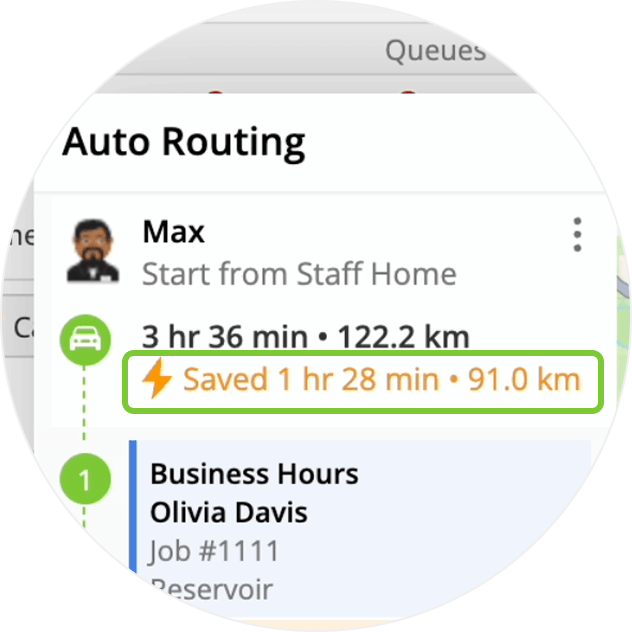
With a single click, the Auto Routing feature can optimise a staff member’s schedule for the day, saving time and fuel.
One-click Optimisation
From the Staff Schedule, you can instantly calculate the most efficient order for a single staff member to attend jobs their jobs for the day.
Flexible Options
You can keep fixed-time bookings in place, while optimising when you attend “allocated” jobs. You can also choose to re-scheduled fixed bookings, or convert them to allocations for maximum optimisation.

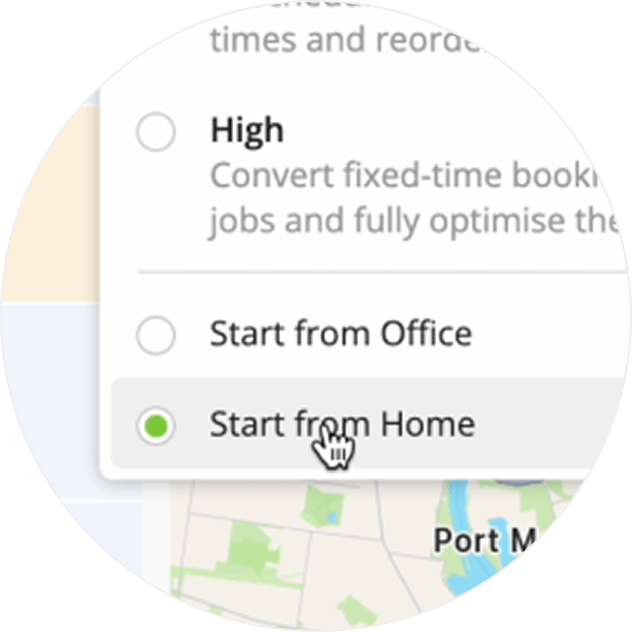
Start from Home or Office
Routes can begin at your office, or a staff member’s home address.
Review before Applying
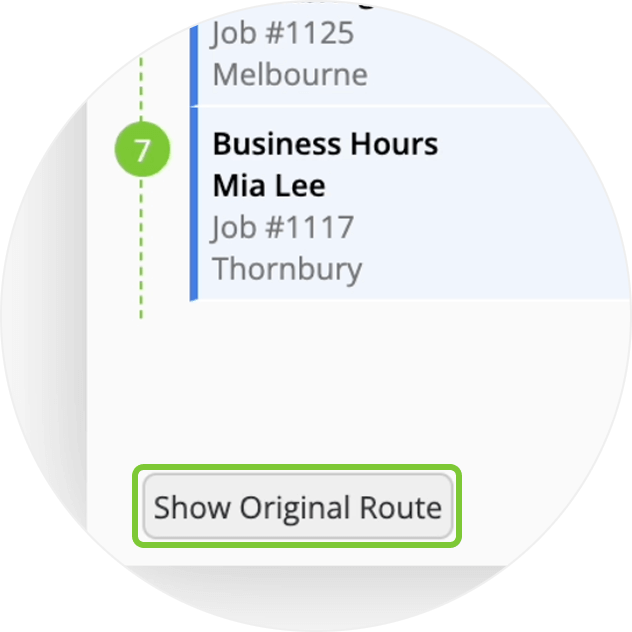
You can review and compare the suggested route with your original schedule, before applying.
iOS App
In the ServiceM8 iOS app, you can optimise your own schedule in Today. The app even excludes Completed jobs, making midday re-optimisation simple.

Learn More
How to Upgrade to ServiceM8 14
- Desktop: if you haven’t already upgraded, to activate ServiceM8 14 features & improvements in the Online Dashboard, go to Account > Settings to find the ServiceM8 Launch 2025 notice, and click ‘Activate’.
- iOS & Android: The ServiceM8 14 iOS & Android apps are now available in the App Store & Google Play.
0 Comments